01
Reports
Read reports and find what matters.
For busy business teams
Assistall AI handles repeat work. It finds the important items, prepares the next step, and lets your team check it before anything is sent.
Your files stay on your computer. Your team stays in control.
 Assistall AI
Workspace overview
Assistall AI
Workspace overview
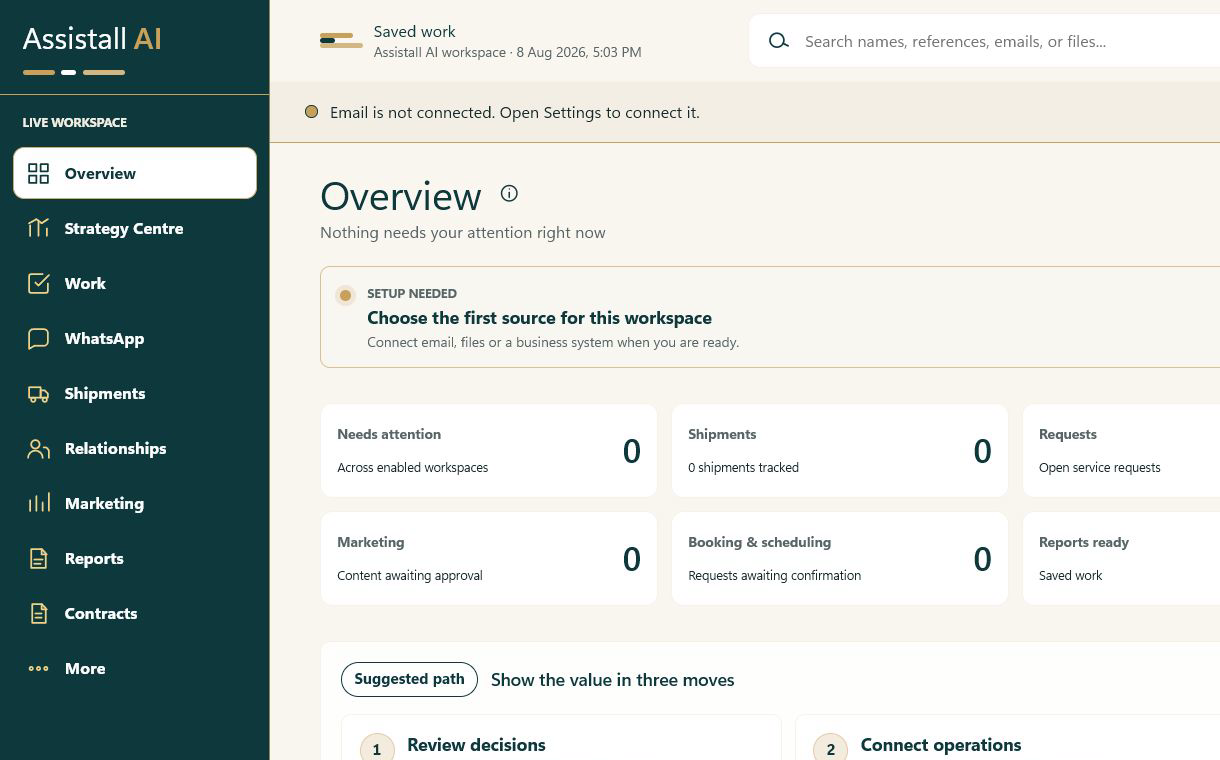
How it works
Assistall gives your team one simple place to see what needs attention.
Email, documents, reports, and requests arrive in different places.
It pulls out the important details and puts the work in order.
You review the draft, report, or request before it moves.
Less time chasing updates. More time for customers and decisions.
What it does
01
Read reports and find what matters.
02
Bring important files and details into one place.
03
Prepare replies and approval work for a person to check.
04
Review contract and shipment information when those connected workflows are enabled.
Your workspace, your view
Assistall keeps the layout and the work the same. Choose a workspace colour theme that suits your team.
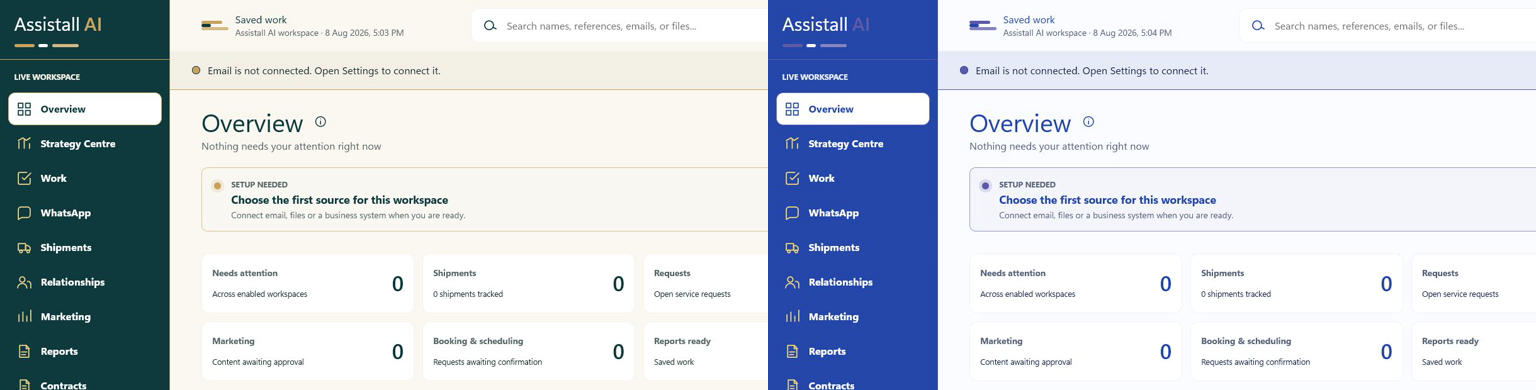
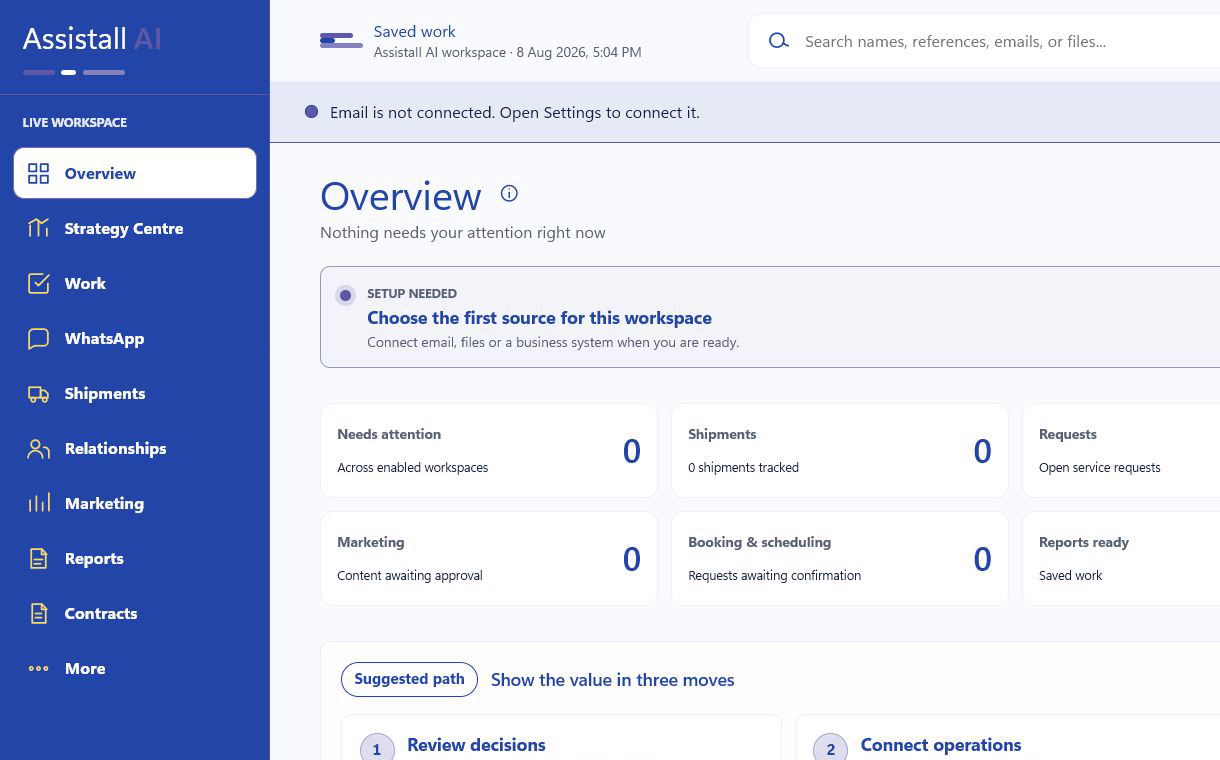
One workspace. A familiar view for every team.
Human first
Spend less time chasing updates and copying information. Spend more time with customers, solving problems, and making good decisions.
Trust and control
Assistall runs on your computer.
Speech recognition happens on the device.
You review actions before Assistall writes or sends them.
Why we built Assistall AI
Your team should have more room for judgment, growth, and the work people do best.
Book a demo
Bring your everyday work into a clearer, safer flow.